Welcome to ELNX documentation
ELNX is a universal electronic laboratory notebook (ELN) designed for seamless integration into your everyday work routine with user-friendliness in mind.

ELNX meets all the requirements for a standard lab notebook - time stamps, version history, inability to delete a record, different roles within the project/notebook, signing of the notebook by the supervisor, and working at the user group/lab level.
On top of that, it is user-friendly - it allows you to easily add virtually any form of text/image content (either by typing directly in the notebook or copy-pasting from a web page/text editor) and add different kinds of attachments (images, tables, PDFs, etc.). On mobile devices equipped with a camera, it is also possible to take photos directly into the notebook and annotate them within the application.
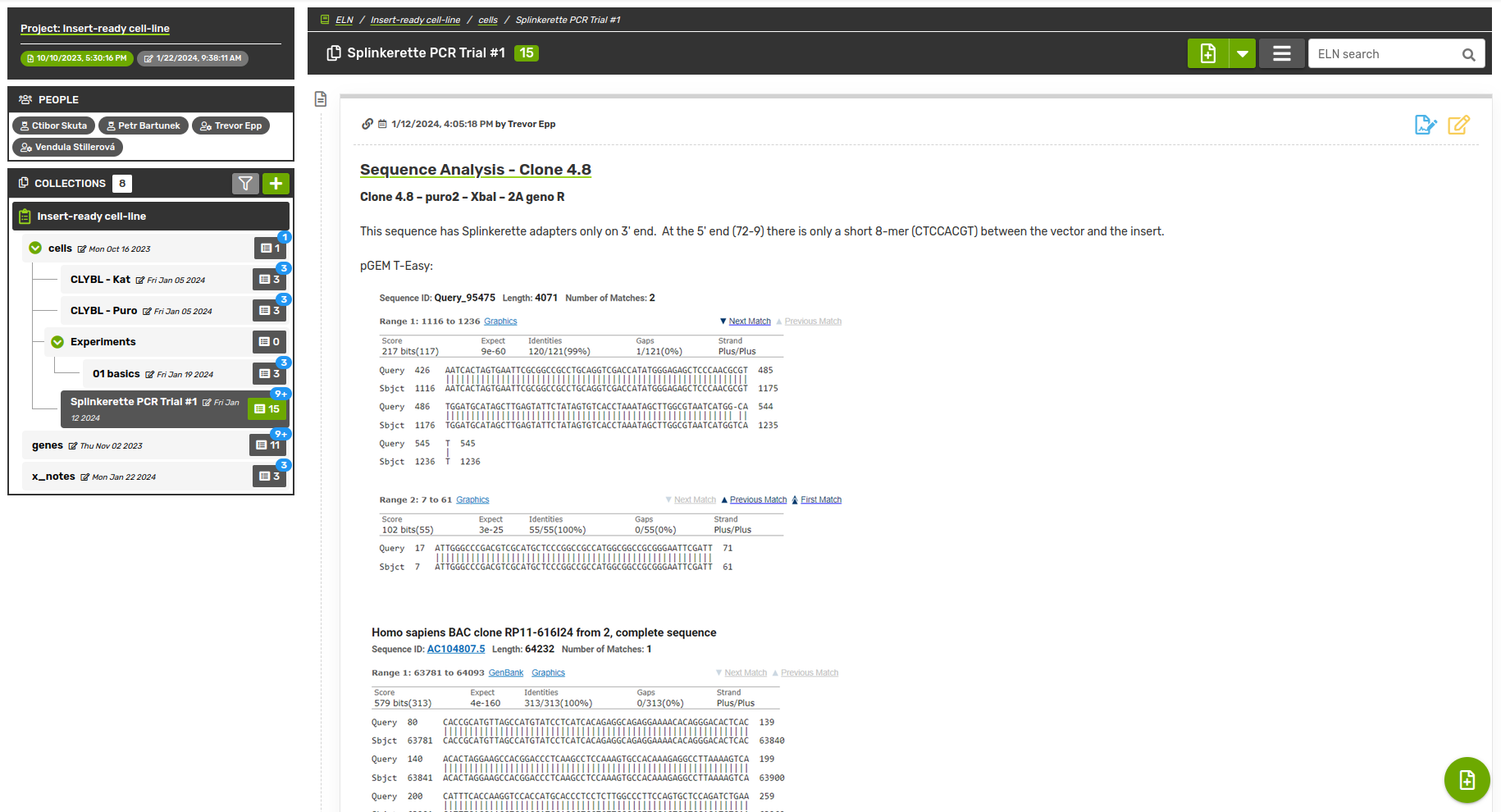
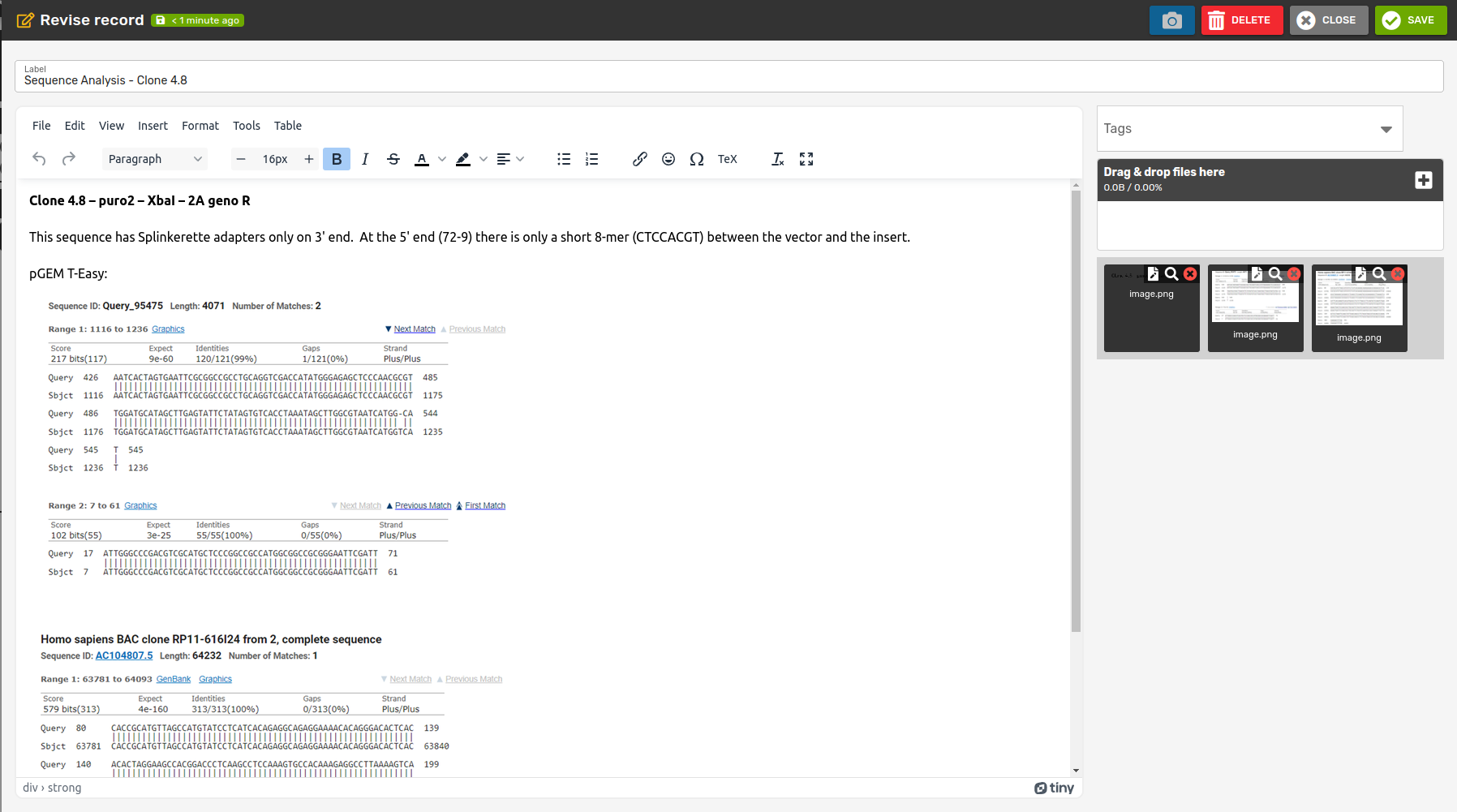
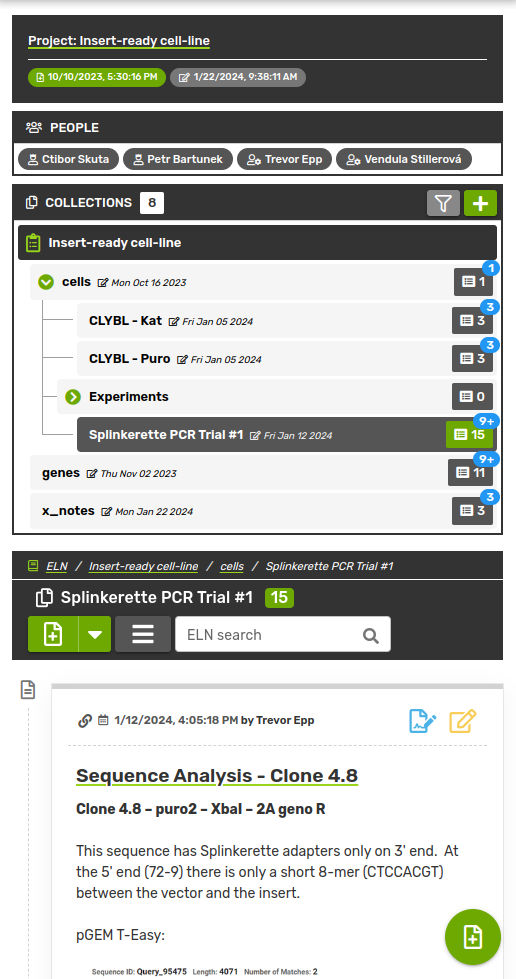
While working on the record, all changes are automatically saved in as a concept, so it is possible to leave the work at any time and return to it later. Within the notebook, it is then possible to sort the records into collections arranged in a hierarchical tree. The user interface allows easy manipulation of records and collections even after they have been created.
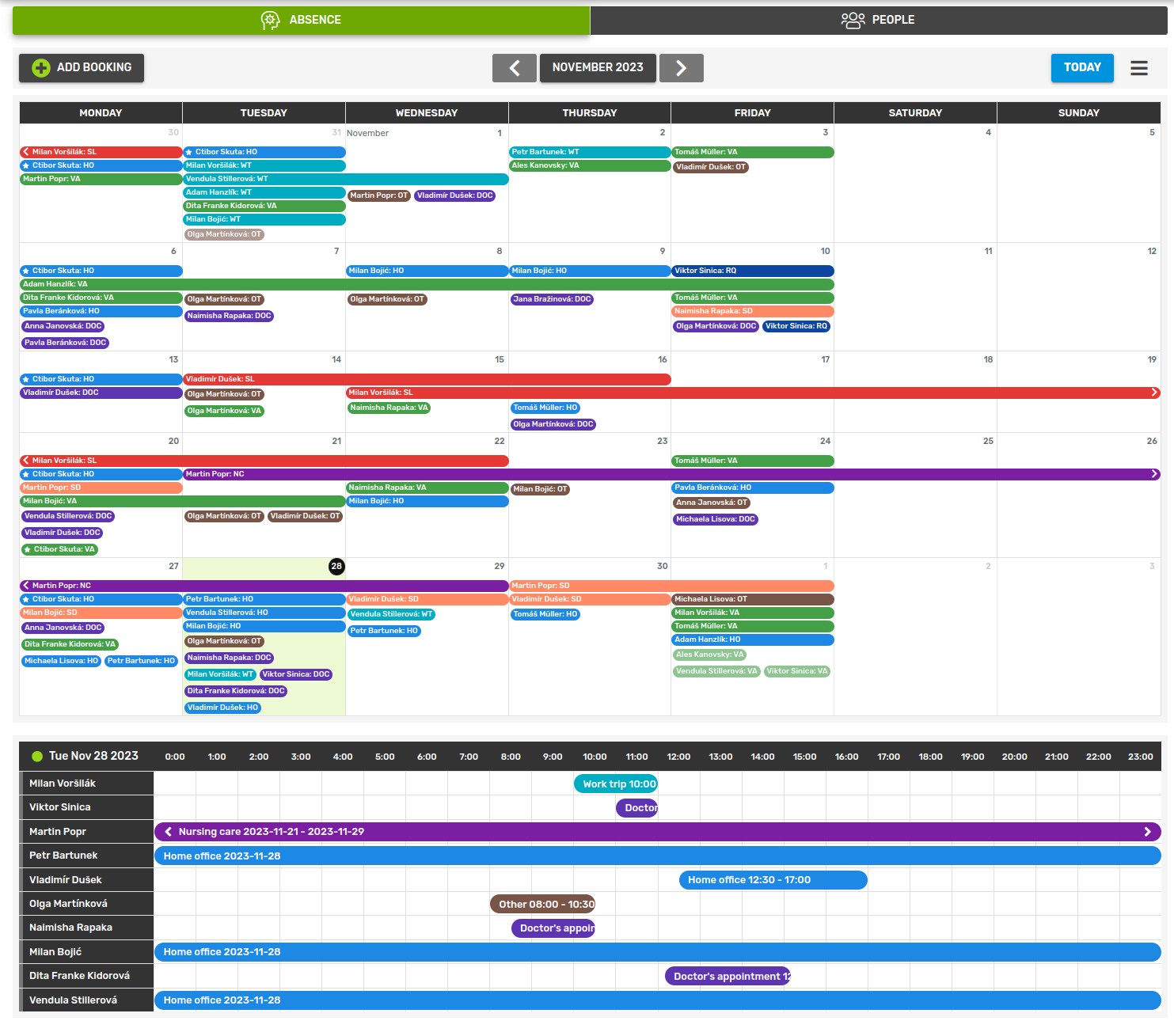
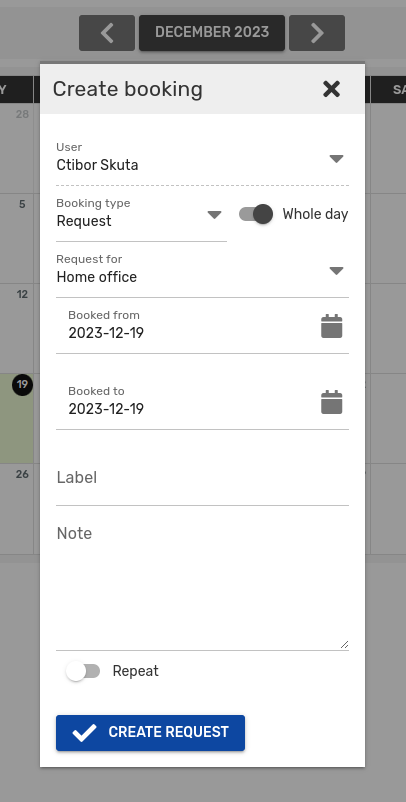
ELNX also includes a booking module with different calendars. This allows, for example, tracking the time spent on individual projects or managing and informing users about the absence of workers within the group. Soon, a calendar will be added for booking of devices including decision-making roles within the booking process.
- Exports (data archive and html)
- Templates (user-defined record templates)
- SOPS/Protocols/MSDS
- Tags for collections and records
- Ontologies (to make it FAIR)
- Comments (for a quick feedback)
- Booking of devices/rooms + events